In this video, you will learn How to Create Two or Multiple Pivot Tables on One Sheet in Excel. Learn how to efficiently manage your data by creating multiple pivot tables on a single worksheet in Microsoft Excel. This setup is perfect for building interactive dashboards and comparing different data views side-by-side without switching between tabs.
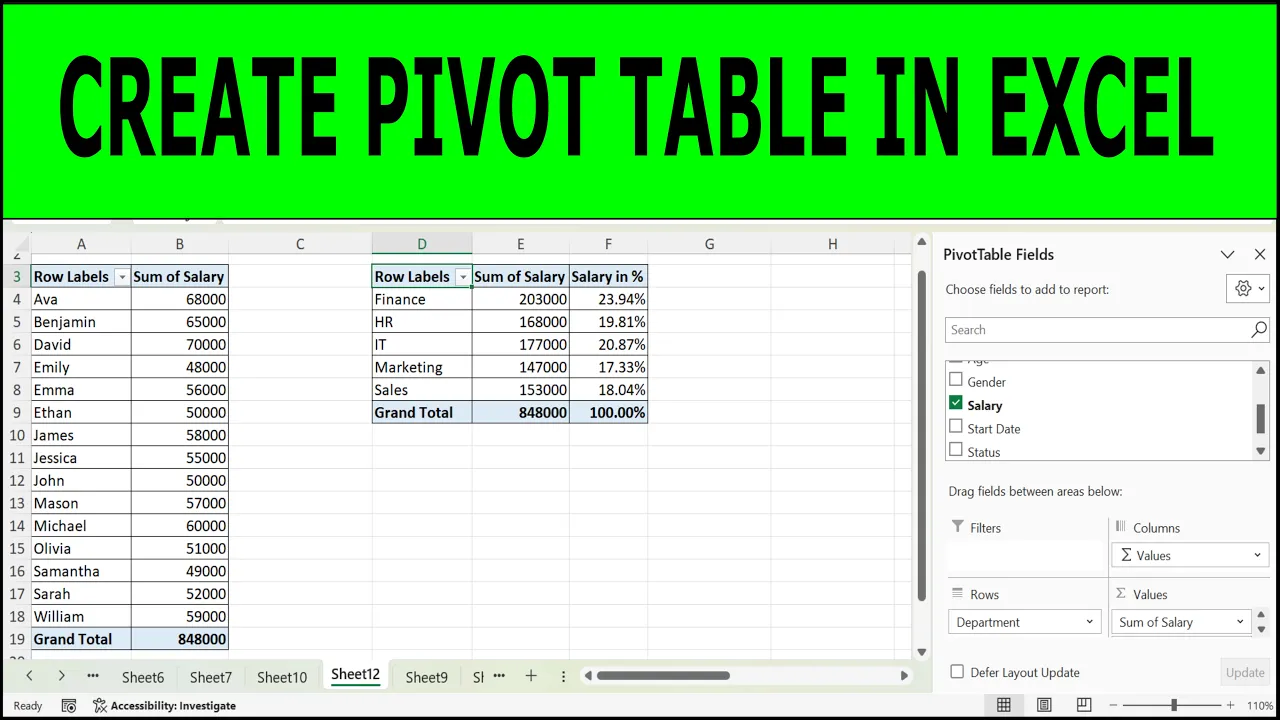
How to Create Two or Multiple Pivot Tables on One Sheet in Excel
- Post author:Dr. Tahir Mehmood
- Post published:
- Post category:Uncategorized
Tags: Compare data with pivot tables, create, excel, Excel Multiple Pivot Tables, Excel Pivot Table tutorial, Excel side-by-side pivot tables, Fix pivot table overlap error, how to, How to create multiple pivot tables in Excel, How to Create Two or Multiple Pivot Tables on One Sheet in Excel, Managing multiple pivot tables, multiple, Multiple Pivot Tables same worksheet, pivot table, Pivot Table layout and design, pivot tables, Pivot Tables on one sheet, teaching junction, two